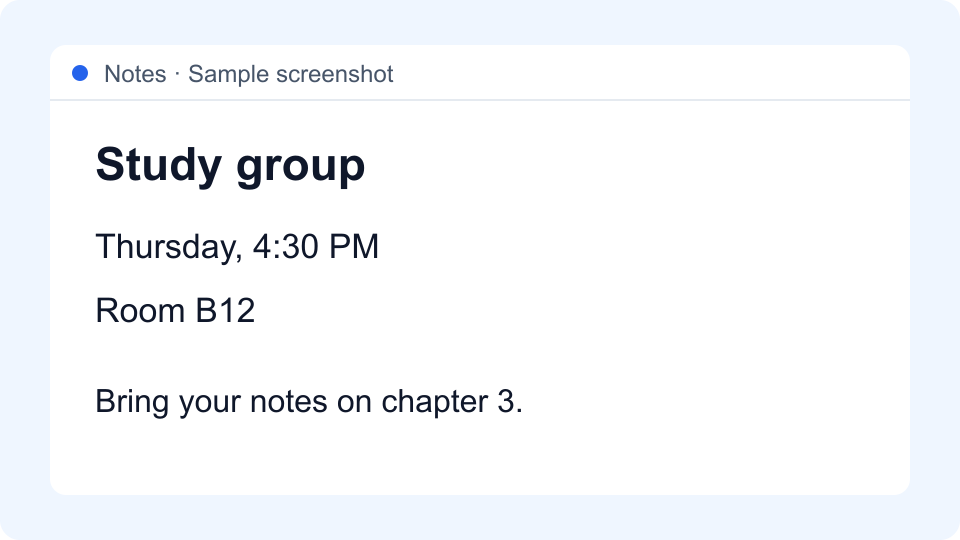
Free · No sign-up requiredTurn the words in a screenshot into text you can edit. Upload or paste your image, click Extract Text, then review, copy or download the result.
Windows: Ctrl+V · Mac: Cmd+V where image paste is supported.
On iPhone or Android, tap Choose files and select a saved screenshot.
100 free extraction units per day for guests and free signed-in users. Each image or PDF page counts as one unit. Resets at midnight UTC.
JPEG, PNG, WEBP, GIF and PDF · 10 MB per file · Up to 10 PDF pages per upload.
Processed by Google Cloud Vision. Guest text is not saved to history; signed-in extractions are saved to your account. How your data is handled.